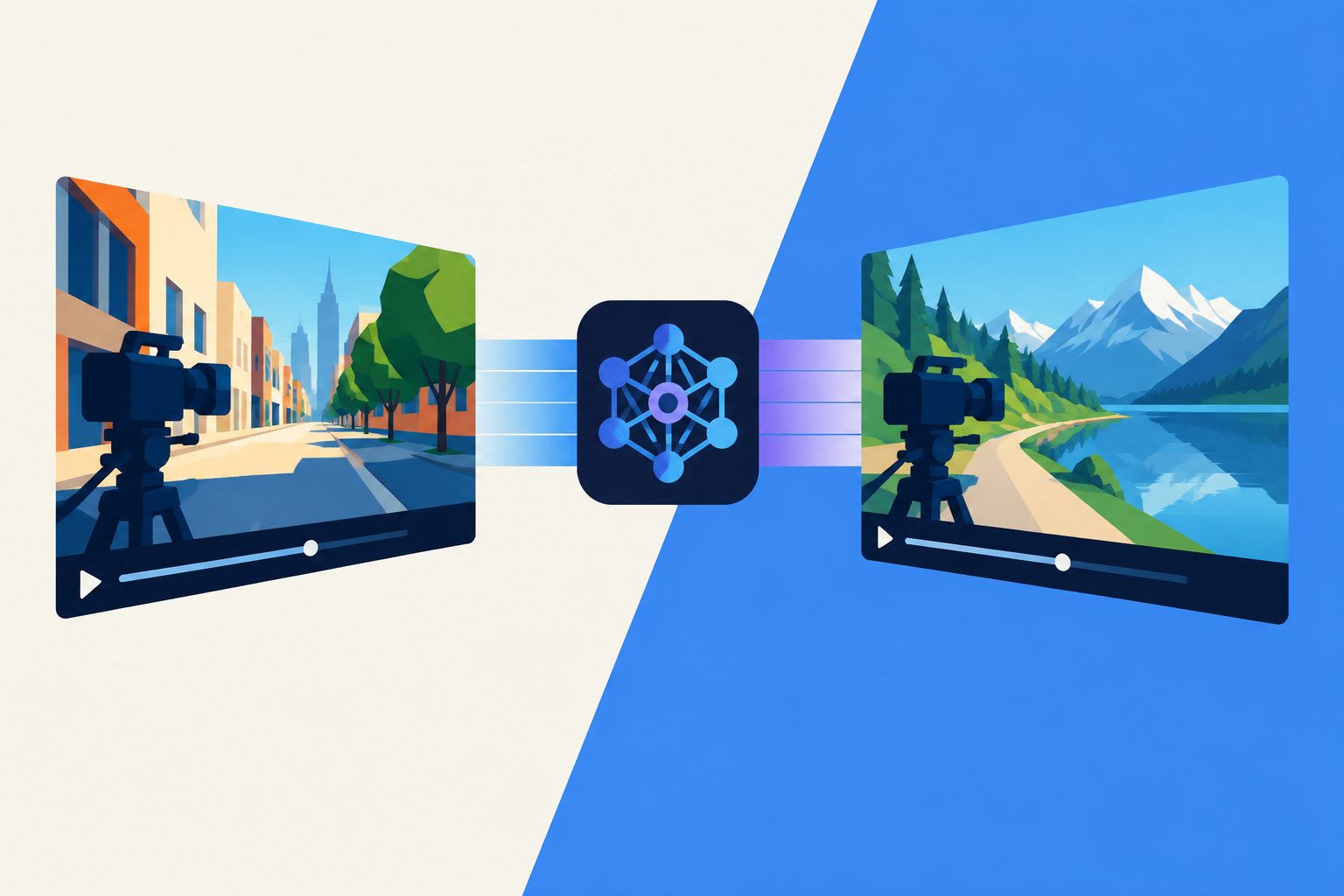
The tool applies the movement from a single reference video to a still image without extra personalized training.
The system uses a pretrained video-generation model to animate a still image with camera movement taken from a single reference video. Users do not need 3D data, preset movement paths or a complex editing interface, and the system does not require additional personalized training before use.
In a separate interaction study, 12 participants reported better usability and creative control with the workflow than with standard text prompts or preset controls. The system is intended to make more detailed camera direction accessible to non-expert creators, including those producing small-scale or educational video content.
How well it transferred motion
In a forced-choice study of 72 participants, the researchers’ system was selected most often for all three criteria: preserving the user’s scene, matching the reference camera movement and overall performance. It was chosen in 70.31% of scene-preservation judgments, 90.45% of camera-motion judgments and 89.75% of overall judgments, compared with two existing methods.
A separate task-based study of 12 participants found that the workflow improved reported usability and creative control compared with text- or preset-based prompts, with a reported p-value below 0.001. The researchers also introduced CameraScore, a metric intended to assess camera-motion transfer, and found that its results were directionally consistent with participants’ judgments in their tested scenarios.
Why reference videos matter
Generic text prompts such as “zoom in” may not capture the detailed camera movement a creator has in mind. By allowing a user to provide a reference video and a still image, this system offers a more direct way to transfer cinematic movement without requiring specialized 3D data or a complicated control panel.
That could make detailed camera direction more accessible to non-experts and support video creation for small-scale industries and educational creators. The results show this potential in comparisons with text- and preset-based controls, but they do not establish how well the system will work across all types of scenes or users.
Evidence and remaining limits
The evidence comes from a 72-participant perceptual comparison, a 12-participant interaction study and qualitative examples, rather than from a test of professional production or broad real-world deployment. Participants compared outputs from the researchers’ system with MotionDirector and a modified version of Tune-A-Video; the study materials and tested scenes therefore define the scope of the comparison.
The main technical limitation is the system’s use of homography-based guidance, which assumes a mostly planar scene and can confuse object movement with camera movement. The researchers report artifacts when large subjects move substantially, such as a person walking toward the camera. Scenes with little texture or repetitive patterns, including blank walls or open sky, can also provide too few visual features for reliable guidance.